Use Cases for QR Bundles: Retail, Real Estate, Events
Real QR Bundle use cases — multi-store shopping, restaurants, property packs, events, and the surprising one: Amazon multi-item returns from one file.
Zoya Aslam12 min read
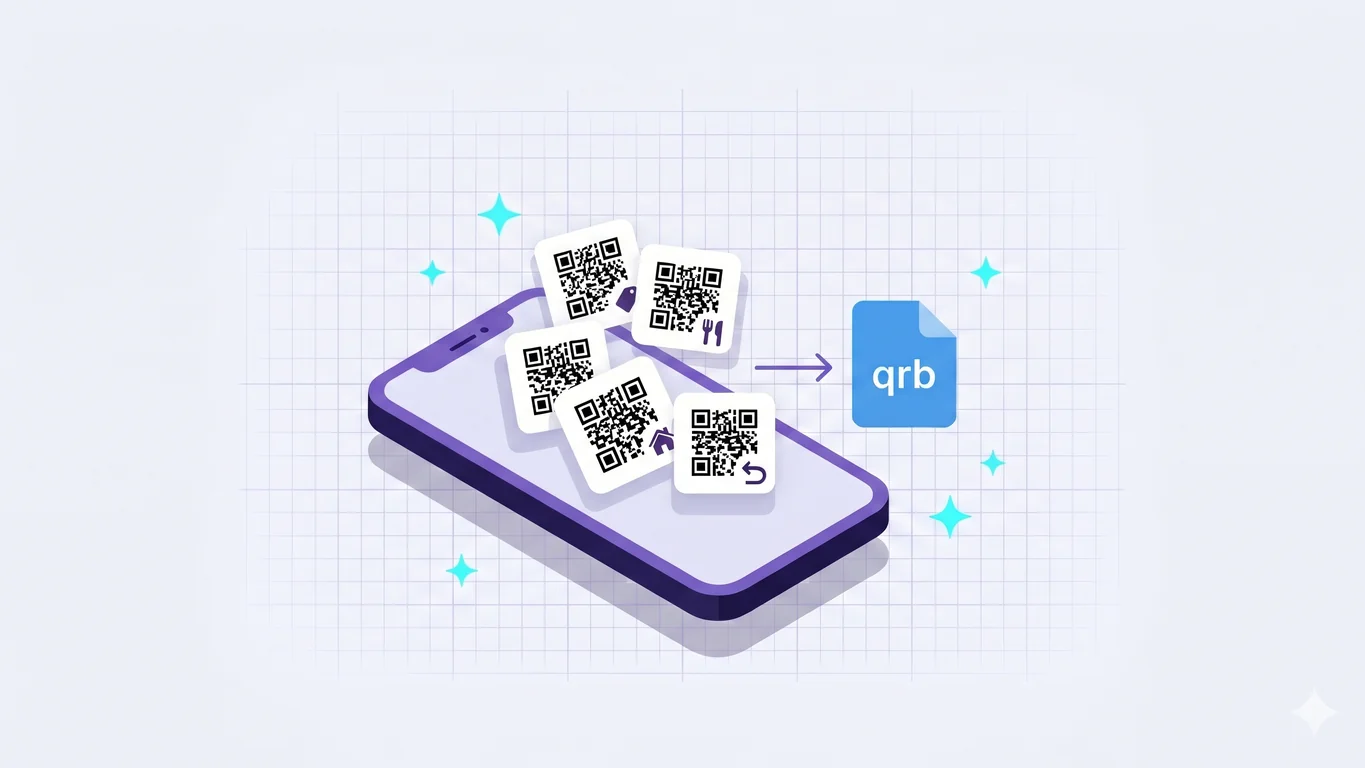
You have a handful of QR codes and no clean way to send them as a set. Maybe it's a dozen furniture links you scanned across two showrooms, the four codes that run your cafe's front counter, or the eight or ten Amazon return labels you've let pile up over a few weeks and finally want to drop off in one trip. Texting them one at a time falls apart fast. The person on the other end loses track somewhere around the fifth link, and you end up re-sending the ones they missed.
A QR Bundle fixes the shape of that problem. It's a single file, with the extension .qrb, that holds many codes at once, built on your phone and shared like any other file. If you want the ground-up explanation of what a QR Bundle is, our pillar post covers the concept and the .qrb format itself; this one is about where it earns its keep. The feature ships in NxtTools, the all-in-one utility app made by Const Agility, LLC out of Texas, USA. This post walks through where QR Bundles genuinely earn their place: shopping across stores, restaurants, real estate, events, and one use case most people never think of until they need it.
TL;DR
- A QR Bundle is a
.qrbfile that holds many QR codes at once. You build it on your phone in NxtTools and share it like a PDF over WhatsApp, iMessage, AirDrop, or email. - The standout use case is multi-item Amazon returns: scan each return code into one bundle, hand the file to whoever's doing the drop-off, and they show each code at the counter without digging through the app.
- A bundle stores the full content of each QR code, not only website links, which is why scannable codes like return labels stay scannable inside it.
- Strong everyday fits: shopping across stores, restaurants (menu, reservations, social, ordering), real estate property packs, and event kits (schedule, map, speakers, feedback form).
- For a single code aimed at a wide audience, or for marketing campaigns that need scan analytics, a plain QR generator or a dynamic-QR service is the better tool. See the honest call-outs near the end.
The surprising one: multi-item Amazon returns
Start here, because it's the use case people don't see coming.
When you return items to Amazon, each return gets its own QR code. The carrier counter — UPS, FedEx, USPS, whoever Amazon routed you to — scans that code to accept the package. Returns have a way of piling up: you set one item by the door, start another the next week, and before long eight or ten of them are waiting to go back, each with its own code buried in the Amazon app under its individual order. Doing them all in one trip means tapping back and forth through eight or ten order screens while a line forms behind you. Hand the drop-off to your partner or one of your kids and it's worse: they have to log into your Amazon account just to find the codes.
A QR Bundle removes the digging. Open NxtTools, scan each Amazon return code into a single bundle, and save the .qrb file. Hand that file to whoever's making the trip. They open the bundle, and every return code sits there in one list. They show the first to the clerk, swipe to the next, show that one, and they're done. No Amazon login, no order-history archaeology, no "wait, which screen was it on."
This works because of something the next section makes explicit: a bundle holds the actual scannable content of each code, so the return labels stay readable by the carrier's handheld scanner, not just tappable as links.
A bundle holds any QR code, not only links
You might think of a QR Bundle as a list of links, and most of the time that's exactly what it is. The furniture pages, the restaurant menu, the property listing — those are all URLs, and a URL is the common case. But a bundle actually stores the full content of each code it captures, and a website address is only one kind of content a QR code can carry.
A QR code on an Amazon return label doesn't point at a web page. It carries the scannable payload the carrier's system needs to accept your package. When you add that code to a bundle, NxtTools keeps the payload intact, and when you open the entry, it draws the code back on your screen so a third-party scanner can read it. That's the difference between a bundle entry you can tap and one you can show, and it's why the returns case works at all.
That payload point broadens what our earlier post, QR Bundle vs Single QR Code, set up when it described bundles as a collection of links. Links are still the everyday case. The fuller truth is that a bundle holds whatever each code encodes, with links being the most common kind but not the only one.
A practical note on scope: NxtTools today writes the links subset of the .qrb format for the entries you create from URLs, meaning the destination URL only; the bundle as a whole gets a name when you save it. Captured scannable codes keep their payload so they stay readable. The richer item-card fields the format also supports, such as product photos, prices, store locations, and notes, are coming separately at qrly.space, not in NxtTools today.
QR code for stores: shopping across one or more shops in one bundle
This is the use case the QR Bundle feature was built around, so we'll keep it short and point you to the long version.
You're shopping for furniture across a couple of showrooms, scanning the QR tag on each piece you like. By the end of the afternoon your phone holds two dozen product links and no order to them. You want a family member who couldn't come along — a partner at home, a son or daughter away at college — to weigh in. Instead of texting a dozen separate links that arrive as a confusing wall, you save them all into one bundle and send the single file. The recipient opens it in NxtTools and scrolls the whole shortlist in one view.
Our post QR Bundle vs Single QR Code tells this furniture-shopping story in full and walks through exactly when a bundle beats sending links one at a time. If you want the deep version of the shopping use case, that's the one to read.
Restaurants: menu, ordering, social, and reservations in one file
A restaurant runs more QR codes than most businesses realize. There's the menu code on the table, the online-ordering link, the reservation page, a loyalty-program signup, and the social handles the marketing person keeps asking guests to follow. Printing all of those as separate codes turns a table tent into a cluttered grid nobody reads.
A QR Bundle groups them into one file the front-of-house can hand a guest who asks "do you have a menu link I can keep?" One .qrb carries the menu, the order-ahead page, the reservation link, and the social profiles in one file. A regular who orders takeout twice a week keeps the bundle and reopens it instead of searching for your site each time.
For a single code on the front window or a printed flyer aimed at every passerby, a plain QR generator is still the right call. A bundle is for the set of codes that belong together, handed to a guest who'll come back to them.
Real estate: a property pack a buyer keeps
After a showing, an agent usually fires off a scatter of follow-up texts: here's the listing, here's the photo gallery, here's the floor plan, here's the neighborhood info, here's my contact card. The buyer gets five messages over twenty minutes and loses half of them by the next morning.
Bundle that property pack into one .qrb and the buyer takes home a single file with the listing link, the photo-gallery URL, the floor-plan PDF link, the neighborhood-data page, and the agent's contact-card link, all in one file. The buyer reopens it that evening with a spouse, scrolls the whole set in one view, and the agent's contact link is right there when they're ready to make an offer. One file beats five texts that scatter across a busy inbox.
We have a dedicated real-estate property-sheet guide coming; until it's live, this is the short version of the use case.
Events and seminars: a kit attendees keep
Event organizers hand out the same set of links to every attendee: the schedule, the venue map, speaker profiles, sponsor links, and a feedback form for the end. Email those as a block of bare URLs and most attendees skim past them. A QR Bundle turns that block into one file an attendee opens once and keeps on their phone for the whole event.
The schedule is right there when they arrive. The venue map is one swipe away when they're lost in a conference center. Speaker profiles and sponsor links round it out, and the feedback-form link is in the same bundle on the last day when you actually want responses. Because the bundle lives on the attendee's phone, it opens offline — useful in a packed hall where the Wi-Fi has given up.
When NxtTools is not the right fit
QR Bundles solve the "many codes, one set, hand it to someone" job. A few jobs are genuinely a different shape, and the honest answer is a different tool.
- You need one code for a wide audience. A single menu code, a window decal, or a flyer for everyone who walks by is a single static QR. Use a free generator like QRCode Monkey (unlimited static codes, logo upload, no account) or Bitly's free static tier. Wrapping one code in a bundle adds an app the stranger scanning your poster doesn't have and doesn't need.
- You're running a marketing campaign that lives on scan data. If you need to know how many people scanned which code, where, and when, and to rotate the destination after printing, that's dynamic-QR territory. A SaaS like Uniqode (formerly Beaconstac) or Bitly is built for analytics-heavy, redirectable campaigns. A
.qrbfile is static and tracks nothing by design; that's a privacy choice, not a missing feature.
If your job is one of those, reach for the right tool. We'd rather you do that than force a bundle into a job it isn't shaped for.
When the job does fit, the install pays off more than once. The app you download for QR Bundles also carries a document scanner, PDF tools (compress, merge, extract pages), image tools (compress, resize, rotate, sign), and a signature pad — all in one place, no account, no app-hopping. The restaurant owner who bundled their codes this week ends up scanning a vendor invoice next week without leaving the app, and the parent who packed the Amazon returns signs a permission slip from the same home screen.
FAQ
How do I use QR codes to market my small business?
Bundle the QR codes you already use into one file instead of printing a wall of separate codes. A restaurant can group its menu, reservation page, loyalty signup, and social links into a single .qrb that staff hand a guest. NxtTools builds that file on your phone for free, no account needed. For a single code on a window or flyer aimed at strangers, a plain QR generator is the simpler choice.
How do I create a QR code for my product or store location?
For one product page or one store-location pin, use a free QR generator like QRCode Monkey — it outputs a printable image with no account. A QR Bundle is the better fit when you have several codes that belong together, such as a product link, a how-to video, a warranty page, and your store map. NxtTools groups those into one shareable .qrb file so a customer keeps the whole set in one place.
How do I share multiple QR codes in one place?
Open NxtTools, create a QR Bundle, and add each code by scanning it or pasting its link. The app saves every entry into one .qrb file you send like a PDF — over WhatsApp, iMessage, AirDrop, or email. The recipient opens it in NxtTools and scrolls all the codes in one view, instead of digging through a dozen separate messages or browser tabs.
How do I group QR codes together?
Open NxtTools, tap QR Bundles, start a new bundle, and add each code by scanning it or pasting its link, name the bundle, then tap Share. The result is one .qrb file that holds every code you added. It works for website links and for scannable codes like shipping return labels, which the bundle keeps fully scannable.
Get NxtTools
QR Bundles runs entirely on your phone, with no signup and no account, so you can build your first bundle in under a minute. The same install also gives you the document scanner, PDF tools, image tools, and signature pad, so the next time a document needs handling you're not opening a different app.
- iPhone & iPad — App Store
- Mac (Apple Silicon, M1 and up) — Mac App Store (same iPad app, installs natively as a desktop application; Intel Macs are not supported via this path)
- Android — Google Play
If the richer item-card vision, where each entry carries a product photo, a price, a store location, and your notes, is what you're after, qrly.space is where that's heading.