Blog
Product updates, deep-dives on the tools, and tips for getting more out of NxtTools.
About the NxtTools blog
The NxtTools blog is the official publication of NxtTools, the all-in-one mobile utility app from Const Agility, LLC in Texas, USA. It covers QR Bundles, document scanning, PDF tools, image tools, and mobile signatures — all of the things the app actually does, written by the people who build it.
Posts are practical: step-by-step how-tos for everyday tasks, honest comparisons against competing tools, and deep dives on the on-device, no-sign-up, no-watermark stance that defines the product. We publish two articles per week on average, with Spanish and French translations following English.
Featured

Featured
What Is a QR Bundle? A New Way to Share Multiple QR Codes
A .qrb file holds a shareable bundle of links you scanned or saved on your phone. Built by NxtTools so a store visit becomes a decision you make at home.
Jangul Aslam16 min read
Browse by topic
Six pillars cover everything NxtTools does on your phone. Each one has shipped articles and more on the way.
QR Bundles
What QR Bundles are, when to use them instead of single QR codes, the .qrb file format, and real-world use cases for retail, real estate, and events.
7 articles published
- How to Open a .qrb File
- Multi-Link QR vs QR Bundles: When Each Paradigm Wins
- Use Cases for QR Bundles: Retail, Real Estate, Events
On the roadmap
Coming next: QR Bundle vs single QR code, the .qrb format explained, use cases for retail, real estate, and events, and how to update a bundle after sharing.
PDF tools
Compress and merge PDFs, extract pages, and export them as images — all on your phone. Mobile-first PDF workflows that don't require a desktop or a subscription.
2 articles published
- How to Compress a PDF on iPhone Without Losing Quality
- How to Combine PDF Files Into One on iPhone & Android (Free)
On the roadmap
Coming next: merge PDFs on mobile, extract pages from a PDF, convert images to PDF, rotate a PDF permanently, split a PDF into multiple files, and a deep dive on local-first vs cloud PDF editors.
Document scanning
Turn your phone into a portable scanner. How to capture clean PDF scans of receipts, contracts, IDs, and multi-page documents without an extra app.
3 articles published
- Adobe Scan Alternatives: 5 Free Options for 2026
- How to Scan Documents on Android (Free, No Watermark)
- How to Scan a Receipt and Save It as a PDF
On the roadmap
Coming next: Adobe Scan alternatives, scan a receipt and save it as PDF, scan an ID card on both sides as one PDF, OCR on mobile, and CamScanner alternatives without a subscription.
Signatures
How to sign documents on your phone — drawn or typed signatures, legal validity, and workflows that replace DocuSign for everyday signing.
More articles coming soon
On the roadmap
Coming next: sign a PDF on your phone without DocuSign, whether mobile digital signatures are legally valid, and signature font generators vs a drawn signature.
Image tools
Compress, resize, crop, and watermark images directly on your phone. Mobile-first image workflows without a cloud upload step.
2 articles published
- How to Compress Photos on iPhone Without Losing Quality
- HEIC to JPG on iPhone Without an App Store Detour
On the roadmap
Coming next: compress photos on iPhone without losing quality, resize an image on iPhone without an App Store detour, and add your signature to an image — not just a PDF.
Big-picture
Cross-cutting posts: privacy positioning, comparisons with subscription tools, and the case for an on-device toolkit over cloud-locked apps.
1 article published
On the roadmap
Coming next: the best all-in-one utility app for iPhone in 2026, and NxtTools vs SmallPDF vs iLovePDF compared on mobile.
All articles
Every NxtTools post across every topic, in publication order.
document scanning
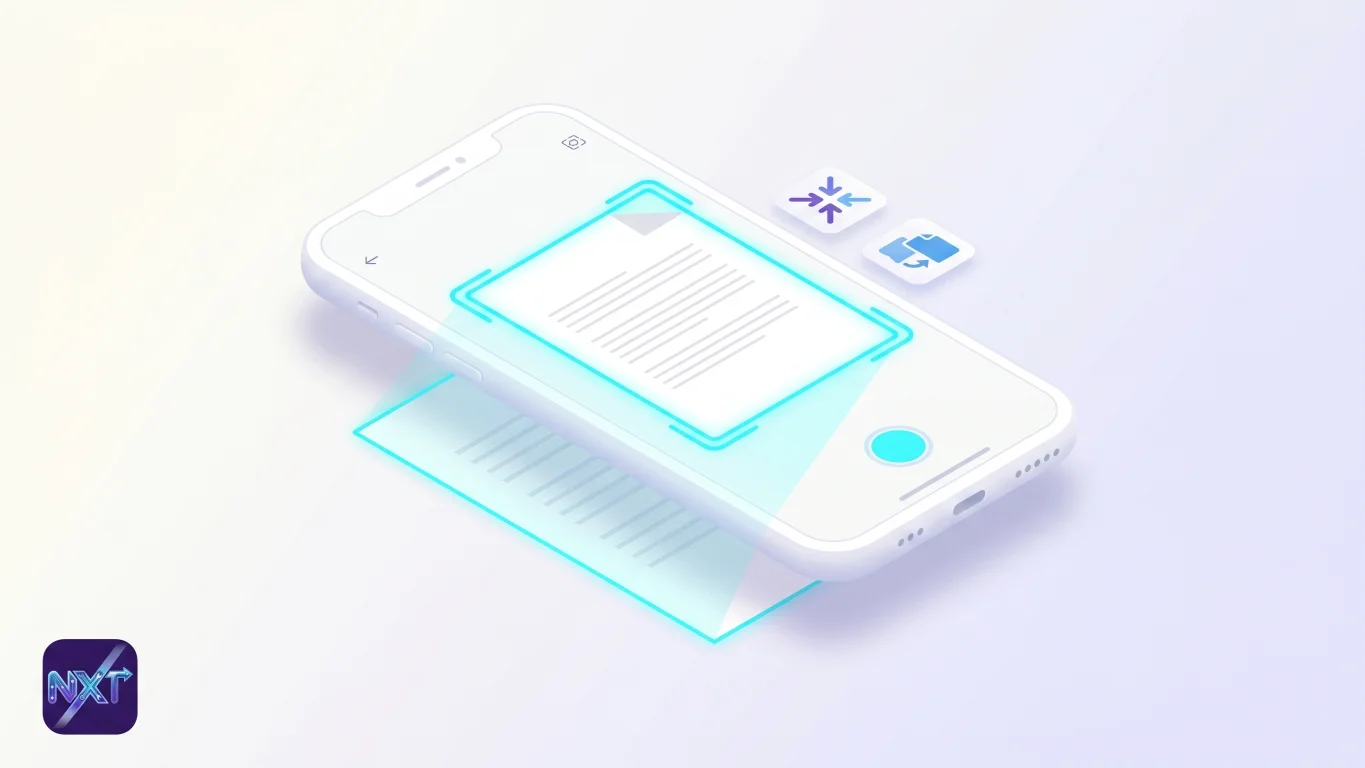
Adobe Scan Alternatives: 5 Free Options for 2026
Adobe Scan's best parts sit behind a subscription. The five best free document scanner apps for iPhone and Android in 2026, ranked honestly.
14 min read
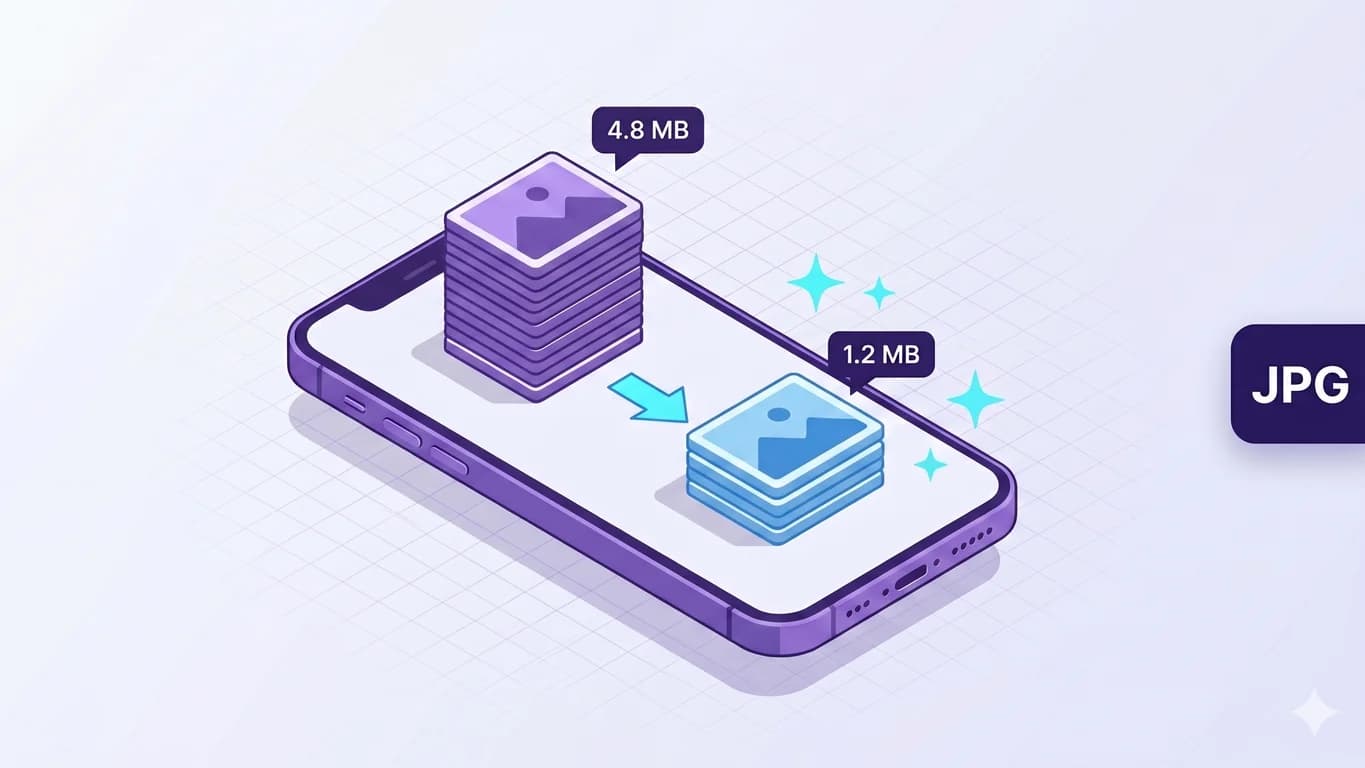
image tools
How to Compress Photos on iPhone Without Losing Quality
Reduce image size on iPhone without losing quality: compress photos with a quality slider and before/after preview in NxtTools — on-device, no upload.
11 min read
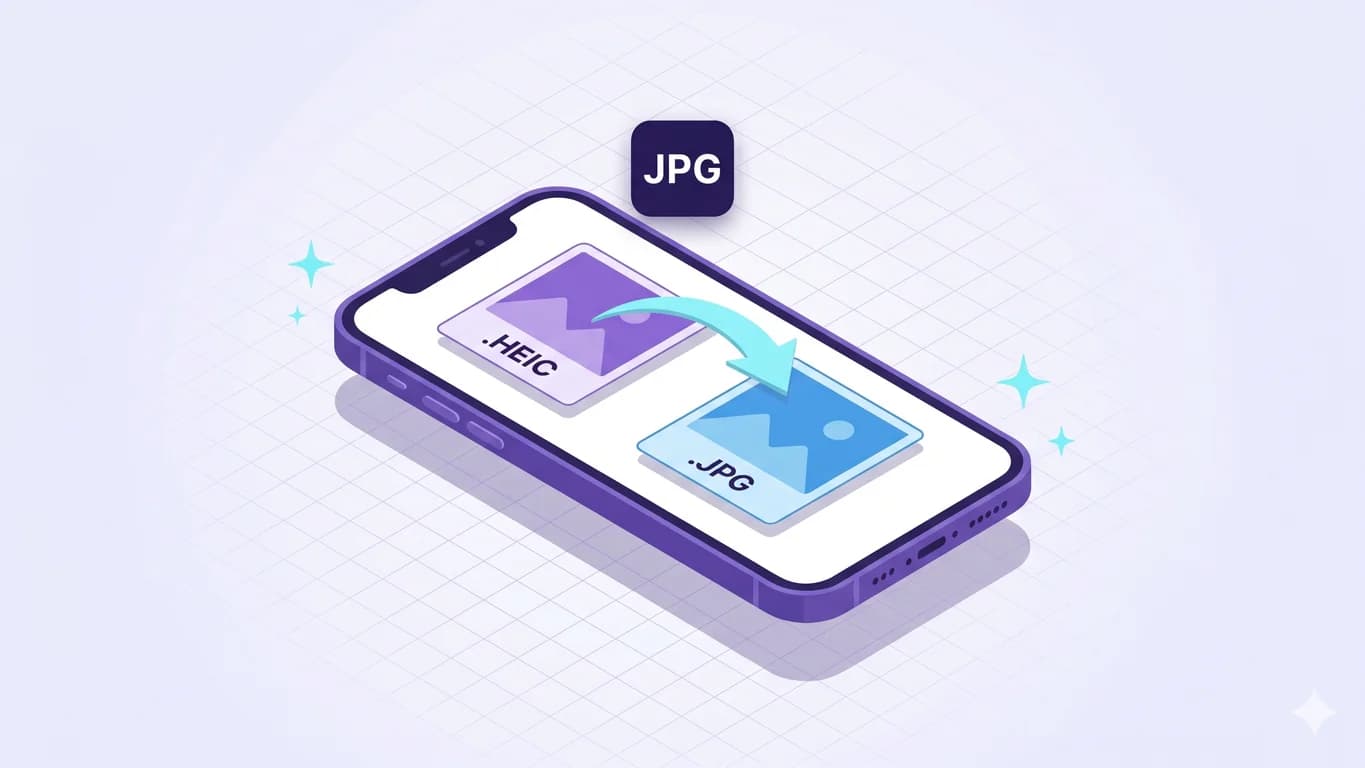
image tools
HEIC to JPG on iPhone Without an App Store Detour
Convert HEIC format to JPG on iPhone free: the iOS toggle, share-sheet auto-convert, or NxtTools as an on-device converter — plus the Mac Preview route.
11 min read

pdf tools
How to Compress a PDF on iPhone Without Losing Quality
Make a PDF smaller on iPhone with NxtTools — free, no account. Reduce PDF file size without losing quality; the smaller copy is saved beside the original.
12 min read
qr bundles
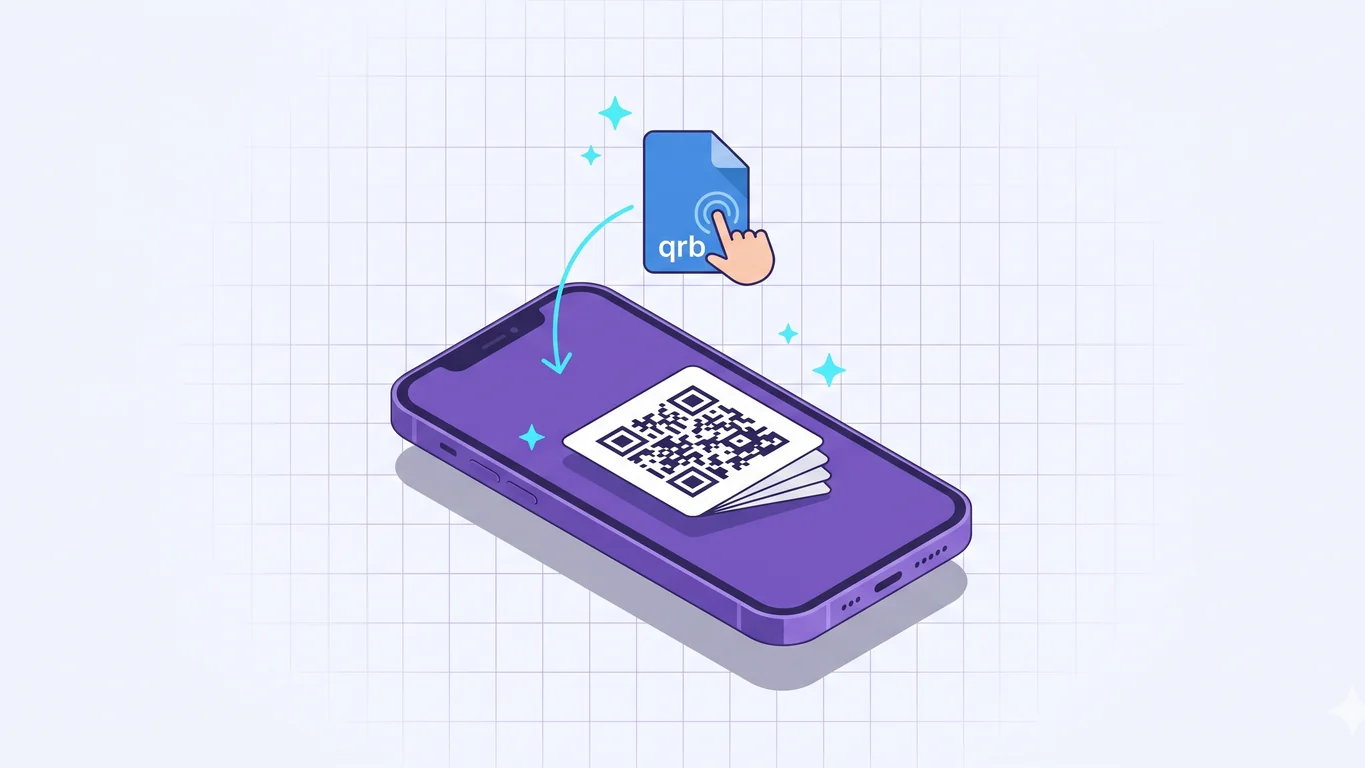
How to Open a .qrb File
Someone sent you a .qrb file? Here is what it is, how to open it on iPhone or Android with NxtTools, and the common myth about a master QR code.
9 min read

pdf tools
How to Combine PDF Files Into One on iPhone & Android (Free)
Merge two or more PDF files into one document on iPhone, iPad, or Android with NxtTools — a free merge PDF app with no account and no subscription.
11 min read
qr bundles
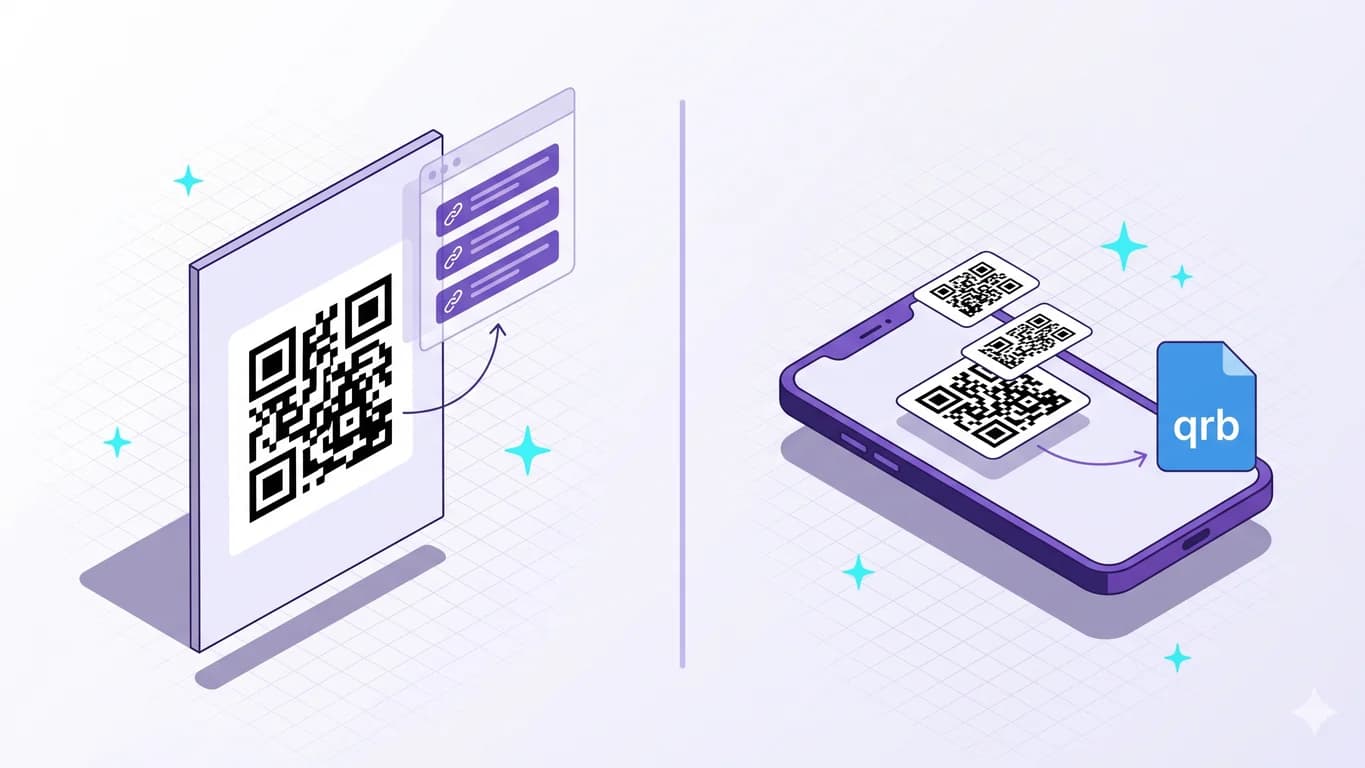
Multi-Link QR vs QR Bundles: When Each Paradigm Wins
Multi-link QR services point one code at a hosted landing page you can edit. A QR Bundle is a file you hand off. Two paradigms, two honest jobs.
14 min read
qr bundles
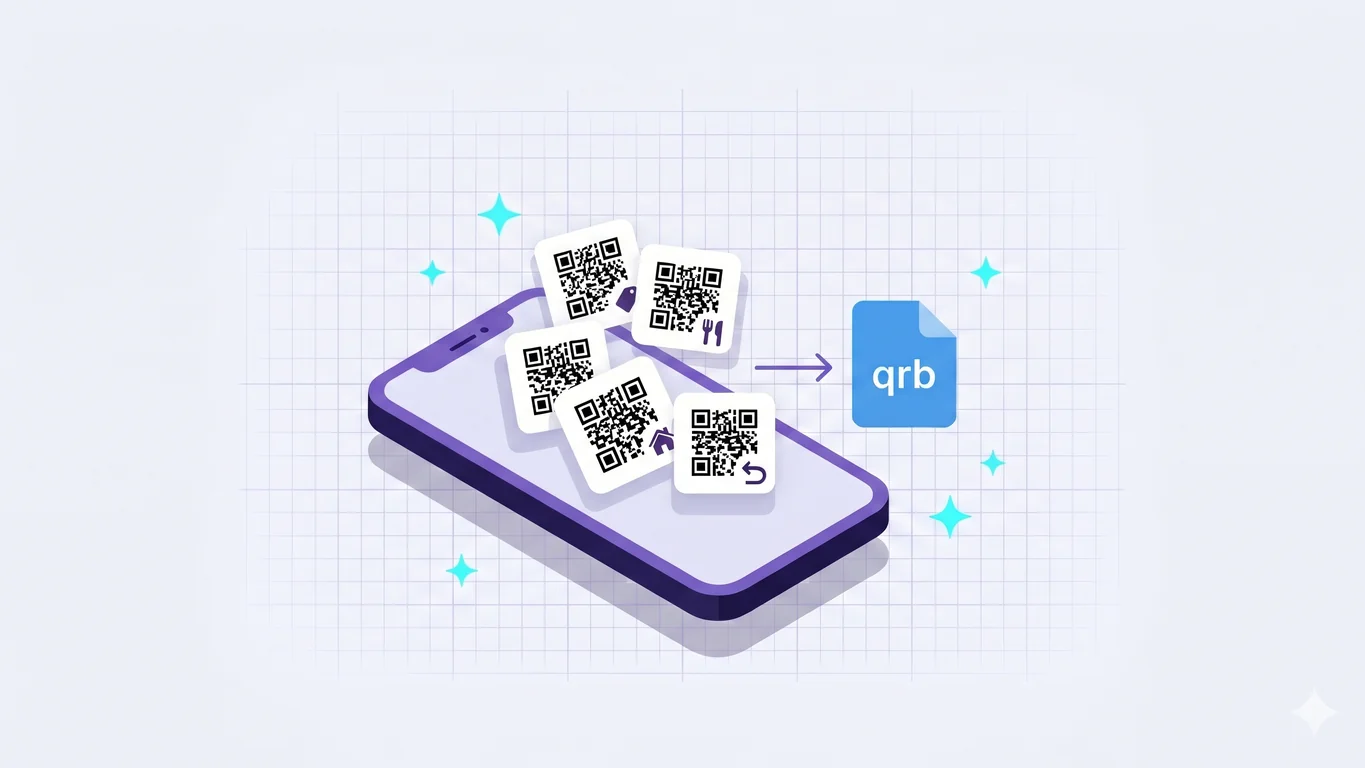
Use Cases for QR Bundles: Retail, Real Estate, Events
Real QR Bundle use cases — multi-store shopping, restaurants, property packs, events, and the surprising one: Amazon multi-item returns from one file.
12 min read

document scanning
How to Scan Documents on Android (Free, No Watermark)
A free document scanner app for Android with no watermark and no sign-up: scan paper to PDF with NxtTools, step by step, on any Android phone.
9 min read
document scanning
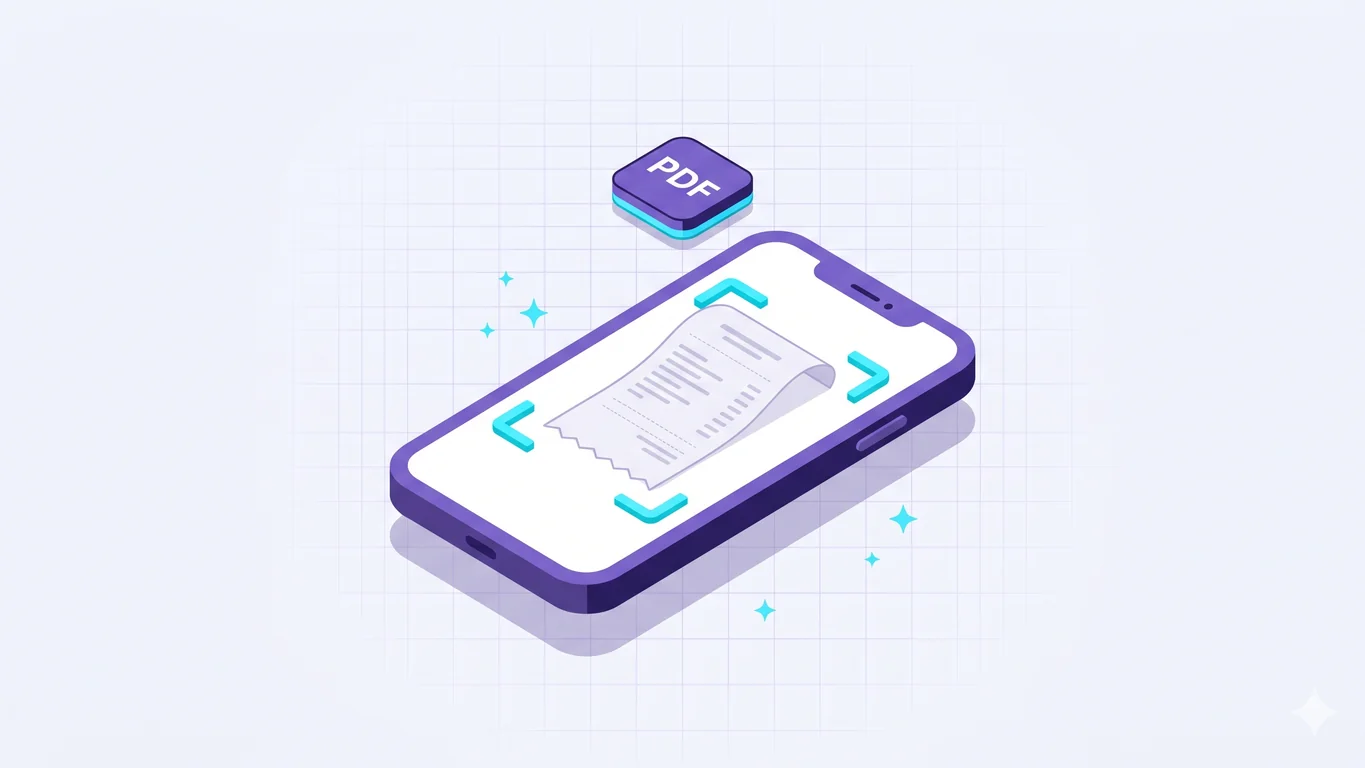
How to Scan a Receipt and Save It as a PDF
A walkthrough for scanning paper receipts to PDF on your phone with NxtTools — auto-crop, thermal-paper color filters, batching, free.
10 min read
qr bundles
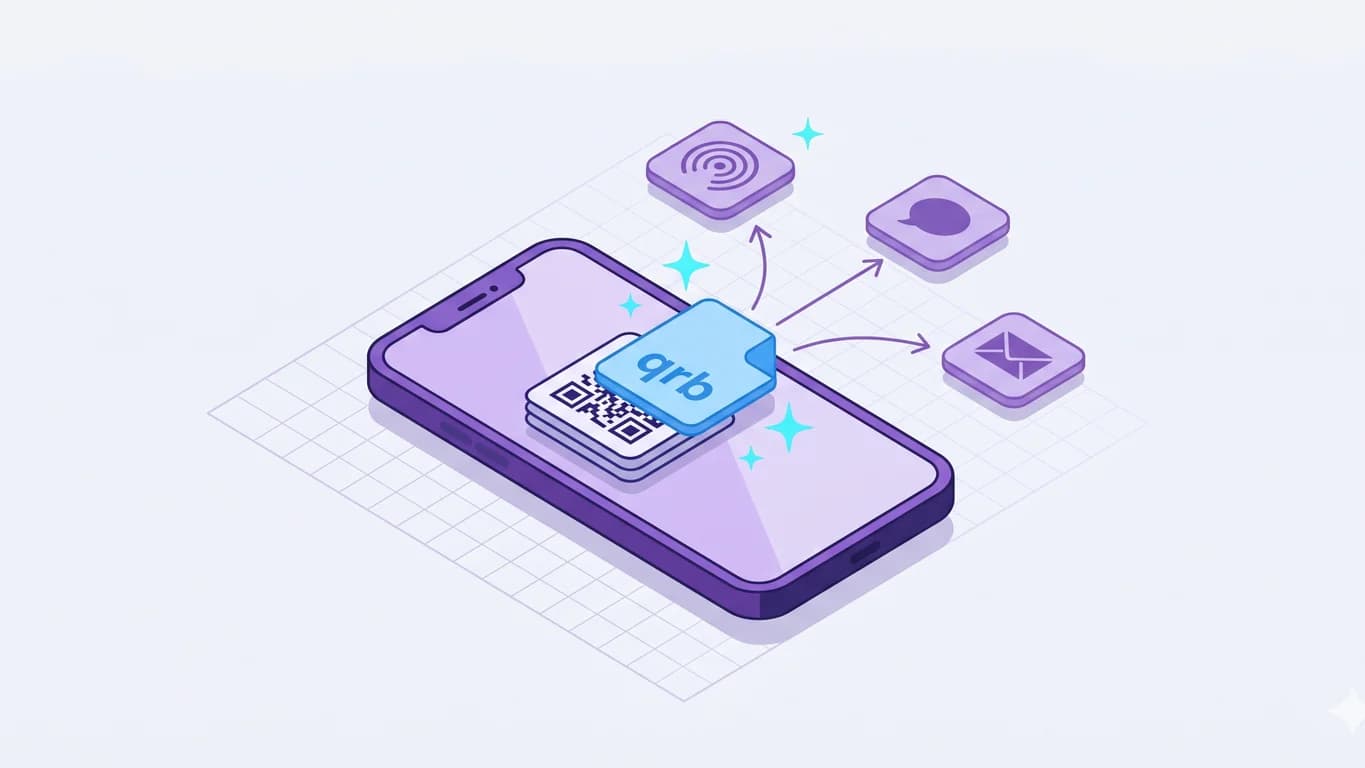
How to Group Multiple QR Codes Into One Shareable Bundle
Group multiple QR codes into one .qrb file on your phone with NxtTools — scan or paste a URL, save, then share over AirDrop, iMessage, email, or WhatsApp.
10 min read
general
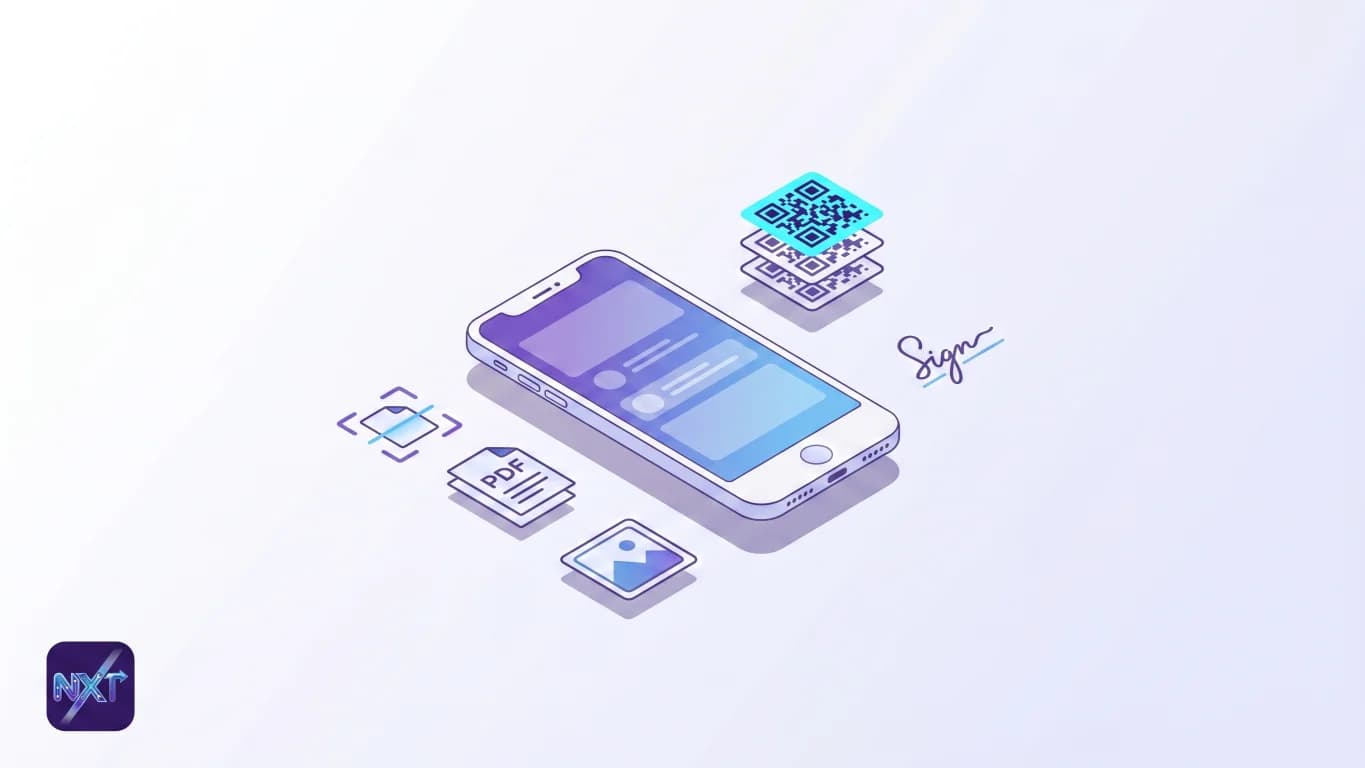
The Best All-in-One Utility App for iPhone (2026)
One free iPhone install for QR Bundles, scanning, PDF, image tools, and signatures — no account, no subscription. Honest about what it can't do.
12 min read

qr bundles
QR Bundle vs Single QR Code: When to Use Each
A single QR code points at one URL. A QR Bundle is a file that holds many. Here's how to pick the right one for the job, with honest competitor call-outs.
15 min read
qr bundles
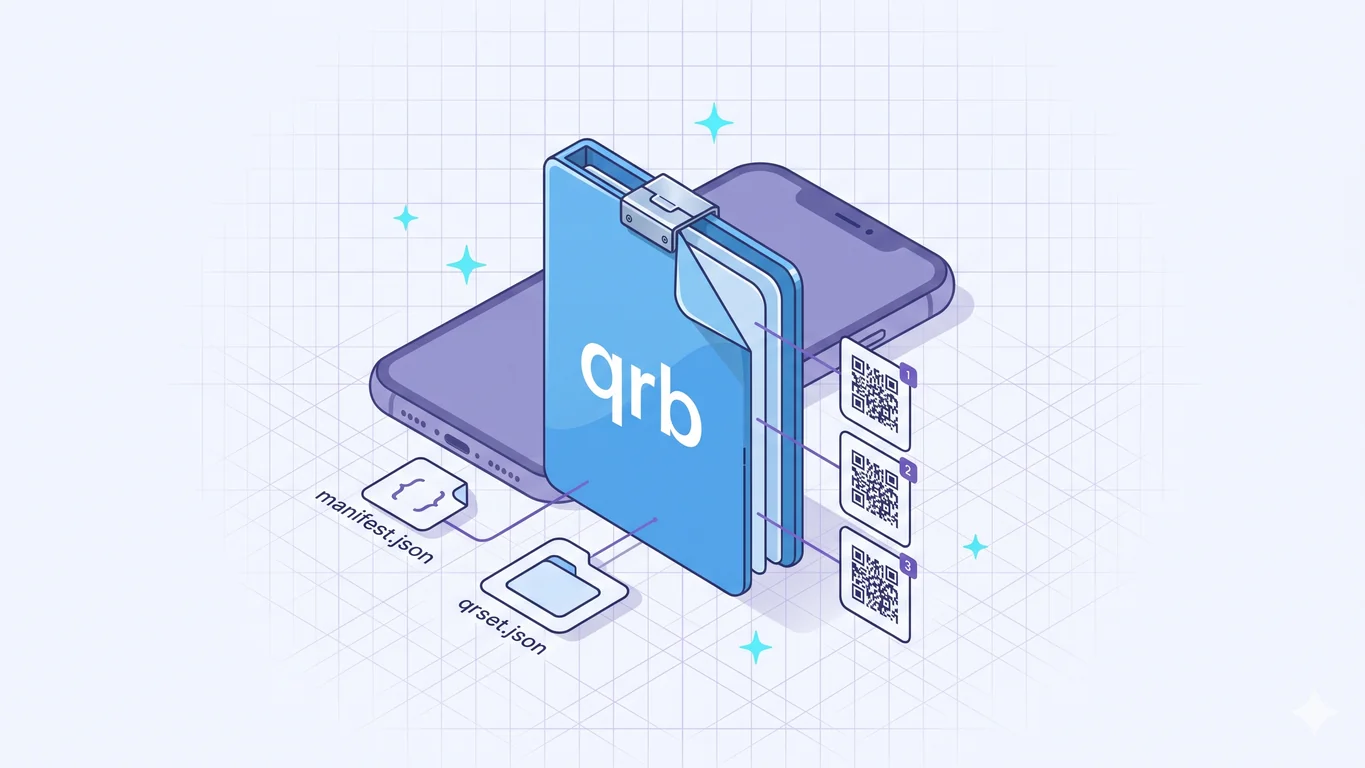
The .qrb File Format Explained
A .qrb file is a ZIP archive that holds an ordered set of QR payloads. The founder of NxtTools on what's inside the format and why it exists.
12 min read
About the authors
Two people write the NxtTools blog, with every post bylined.
Blog FAQ
Quick answers about the NxtTools blog and the app behind it.
- Who writes the NxtTools blog?
- The blog is written by Jangul Aslam, founder of Const Agility, LLC (the company behind NxtTools), and by Zoya Aslam. Every post is bylined and reviewed against a brand-fact checklist before publication.
- What does the blog cover?
- Practical how-tos and deep dives on the tools inside NxtTools: QR Bundles, the document scanner, PDF tools (compress, merge, extract pages, export as images), image tools, and mobile signatures. Plus honest comparisons against competing apps and posts on the privacy stance that defines the product.
- Is NxtTools really free?
- Yes. The on-device toolkit — document scanner, PDF tools, image tools, signature pad, and QR Bundles — is free with no sign-up, no watermark, and no daily cap. A reward-ad backend tier and an upcoming AI tier are separate; everything documented on this blog uses the free local tier.
- Where can I download NxtTools?
- NxtTools is on the App Store (iPhone, iPad, and Apple Silicon Macs) and on Google Play (Android). Install links appear at the bottom of every post and on the NxtTools home page.
- How often do you publish?
- Two articles per week on average, Monday and Thursday, against a 36-post editorial calendar planned out over 18 weeks. Spanish and French translations follow each English post once they've cleared a human translation review.
- Can I suggest a blog topic?
- Yes. Email the team at nxttools@constagility.com or message NxtTools on LinkedIn. Reader suggestions help us prioritize the next batch of how-tos and comparisons.