The Best All-in-One Utility App for iPhone (2026)
One free iPhone install for QR Bundles, scanning, PDF, image tools, and signatures — no account, no subscription. Honest about what it can't do.
Jangul Aslam12 min read
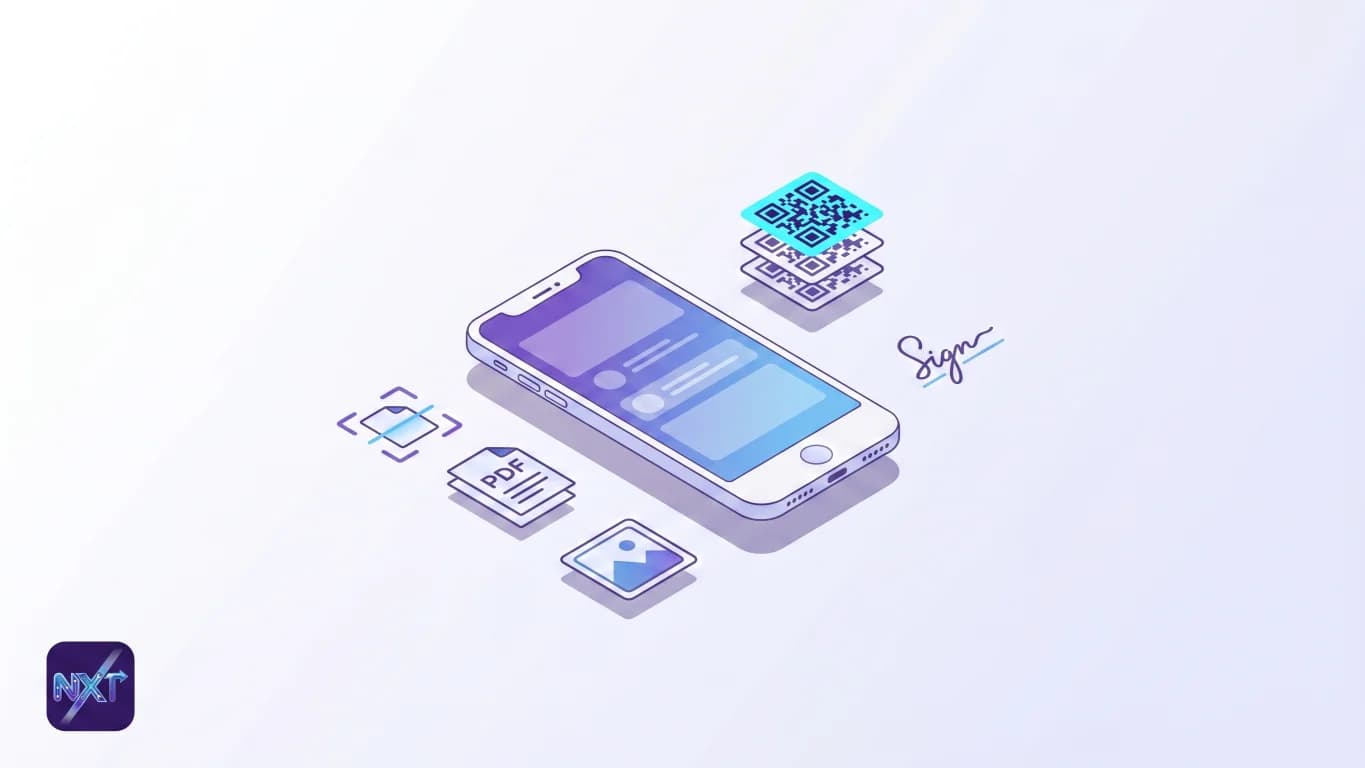
Why my home screen had eleven utility apps
A while back I counted the single-purpose tools on my phone: a QR scanner, a separate PDF compressor, an image resizer I used twice a year, a HEIC converter, a signature app, a document scanner with a watermark I could never quite get rid of without paying. Eleven icons, four logins, two trial timers quietly counting down to a charge. Each one did its one thing fine. Together they were a mess: a folder I dreaded opening, and a small monthly bill I had stopped reading.
I am Jangul Aslam, founder of NxtTools, which is made by Const Agility, LLC in Texas, USA. So read this post knowing the bias: I built the app I am about to recommend, and I will not pretend it wins every category. It does not do optical character recognition. It does not sign PDFs directly. It will not replace a dedicated power tool for the one job that tool was built around. What it does is collapse the everyday-utility folder (the QR scanner, the document scanner, the PDF cleanup, the image fixes, the signature pad) into one free install with no account and no subscription on anything shipped. The honest pitch is "fewer icons, no logins, no surprise charge," not "best in the world at any single thing."
NxtTools runs on iPhone, iPad, and Android. On Apple Silicon Macs (M1 and up) the iPad app also installs natively from the Mac App Store and runs as a desktop application, so the laptop case is covered too. Intel Macs are not supported on that path.
TL;DR
- One free install carries QR Bundles, a document scanner, PDF tools, image tools, a signature pad, and a file area — on iPhone, iPad, Android, and Apple Silicon Macs.
- No account is required for any shipped tool. On-device tools show a banner ad; server tools (PDF compress, PDF merge) play one short reward ad per run. Sign-up exists only for customer support.
- No subscription and no AI features are live today — both are on the roadmap and will require sign-up when they ship. Nothing currently shipped is paywalled.
- It is honestly a generalist. No OCR, no direct PDF signing (signing is image-only), no PDF split, no PDF-to-Word. For those, a dedicated tool beats it, and the table below says which one.
- The win is app-count and cost, not depth. If you carry five overlapping single-purpose apps, one of them probably already does what NxtTools does, for free, without the login.
What "all-in-one" actually means here
A lot of apps in the App Store call themselves all-in-one and mean "we have a paywall in front of nine features." I mean something narrower and more checkable: a single install where the tools you reach for in a normal week are present, free, and unlocked without handing over an email.
Here is the full inventory of what ships today, by category. This is the exact list — I am not rounding up.
| Category | What NxtTools does today | What it does not do |
|---|---|---|
| QR Bundles | Group links you scanned or pasted into one shareable .qrb file; open .qrb files others send you | No master QR that "opens" a bundle; no per-entry labels, images, prices, or reordering today (that is the QRly story); no scan analytics |
| Document scanner | Auto-edge detection, perspective/crop, multi-page capture, save as PDF or image | No OCR / text extraction; no filters on the scanner itself (color adjustment happens afterward via the image/PDF tools) |
| PDF tools | Compress, merge, grayscale, monochrome, enhance, extract pages, export pages as images | No split into separate files, no PDF-to-Word, no direct signing on a PDF |
| Image tools | Compress, rotate, resize, convert (including HEIC to JPG), add a signature to an image | — |
| Signature | A signature pad with four calligraphy fonts (Alex Brush, Cedarville Cursive, Dancing Script, Great Vibes) plus freehand draw; applied to images | Not applied directly to PDFs today |
| File area | Keep your scans, bundles, and exports together in the app | Not a full cloud-sync filesystem |
Two things in that table trip people up, so I want to be plain about them. The signature pad works on images, not on PDFs: you can sign a photo or a scanned image, but you cannot drop a signature onto a PDF page from inside NxtTools yet. And "extract pages" is not the same as "split": it pulls the pages you choose into one new PDF, it does not break a file into several separate PDFs. If a post elsewhere on the web tells you NxtTools does either of those, it is wrong, and I would rather you hear it from me.
The math on app clutter
Take the everyday list and price the dedicated alternatives. A free QR scanner, a PDF compressor like Smallpdf or PDF24, a separate image resizer, a HEIC converter, a watermark-free document scanner, a signature app: that is five or six installs, and the watermark-free scanner and the no-quota PDF tool usually want a subscription before they behave. Most of those subscriptions sit between $4 and $12 a month each. You do not need many of them stacked before the folder costs more per year than a decent pair of headphones.
NxtTools replaces the overlapping middle of that list with one icon and zero logins. It will not replace the specialist at the far end of it, which is the next section.
Document and PDF work, end to end
The single most common reason people install NxtTools is paper. You point the camera at a contract, a receipt, or a signed form, and the scanner finds the edges, straightens the perspective, and saves a clean PDF with no watermark and no trial countdown. If you have a stack, the add-page button keeps appending until the whole pile is one multi-page PDF. There is a full walkthrough in the sibling post on scanning documents on Android for free, and a receipt-specific one on scanning a receipt to PDF.
After the scan, the PDF tools take over. Compress to get a 14 MB scan under an email limit. Merge three separate PDFs into one before you send them. Drop a color scan to grayscale or monochrome to shrink it further or make it print cleanly. The server-processed steps (compress, merge, grayscale, monochrome, enhance) run on our servers, so they play one short reward ad per run; that ad is the entire price, and there is still no account to create. The on-device steps (the scan itself, extract pages, export pages as images) just show a small banner. If you want the detailed version, the compress-a-PDF-on-iPhone guide covers the quality trade-offs.
What it will not do, again: there is no OCR, so a scanned page stays an image of text, not selectable text. And there is no split-into-many and no PDF-to-Word. Those gaps are real, and I would rather name them here than have you discover them mid-task.
Images, QR Bundles, and signatures
The image tools are the quiet workhorses. Resize a photo to fit a form's upload limit, compress one without wrecking the quality, rotate a sideways scan, or convert an iPhone HEIC into a JPG some old web form will actually accept. The HEIC-to-JPG walkthrough and the photo-compression guide go deep on those two specifically.
QR Bundles is the feature I personally built the company around. A .qrb file holds a set of links you scanned or pasted, and you share the file the way you share a photo: AirDrop, iMessage, WhatsApp, email. There is no central QR that opens it; it is a file, not a web page. The richer item-card version (labels, images, prices, reordering) is coming separately at qrly.space, not in NxtTools today.
The signature pad rounds out the set. You can sign with freehand drawing or pick one of four calligraphy fonts, and apply it to an image, such as a photo of a form. It does not apply to a PDF directly yet; that is a gap I will not paper over.
When NxtTools is not the right fit
A generalist loses to a specialist on the specialist's home turf. Here is where I would send you elsewhere, by name.
- You need OCR, meaning searchable text out of a scan. NxtTools captures the image; it does not read the words. Adobe Scan does real OCR on the free tier (up to 5 pages per file), and Adobe Acrobat will turn a scan into selectable, editable text. If your job is "make this paper searchable," that is the route — see our roundup of the free Adobe Scan alternatives that do real OCR. (Microsoft Lens, the old go-to here, was retired in early 2026 — pulled from the app stores in February and switched off in March; Microsoft now points users to the OneDrive app's scanner, but those scans save only to OneDrive, not your device.)
- You need multi-party e-signatures with an audit trail. Signing a photo of a form is not the same as a legally tracked signing workflow where three people sign in sequence and everyone gets a sealed record. DocuSign and similar services exist for exactly that, and NxtTools does not pretend to compete there; it does not even sign PDFs directly yet.
- You want raw, frictionless scanning with nothing else attached. If all you ever do is scan the occasional page on an iPhone, Apple Notes already has a scanner built into the OS, free, no install. For that single job it is hard to beat because it is already on your phone.
- You need a desktop PDF editor with reflowable editing and OCR. Rewriting text inside an existing PDF, redacting, OCR cleanup at scale: that is Adobe Acrobat and Smallpdf territory, on a real desktop. NxtTools' PDF tools are mobile-first cleanup, not full editing.
- You need a marketing QR platform with analytics and dynamic redirects. A
.qrbbundle is a static file with no tracking. If you need to know who scanned what, or to swap a code's destination after printing, a dynamic-QR service like Bitly is the right tool.
Now the other side of the ledger, because all of those are single jobs. Most people do not have one of those jobs every day. They have a little of everything: a page to scan this week, a PDF to email under 10 MB next week, a HEIC to convert when a form rejects it, a set of links to send the family on a shopping trip. For that mixed, everyday load, the value is not depth in any one tool. It is having the document scanner, the PDF cleanup, the image tools, QR Bundles, and the signature pad behind one icon you already trust, with nothing to log into and no clock counting down to a charge. The specialist wins the deep job; the one install wins the week.
FAQ
How do I manage documents and QR codes in one app?
Install one app that carries both a document scanner and a QR Bundle builder, so a scanned contract and a saved set of links live behind the same home screen. NxtTools does this on iPhone, iPad, and Android: scan a page to PDF, group several QR-code links into a shareable .qrb file, and keep both in the app's file area. No account is required for either tool.
What is the best app to replace multiple productivity tools?
The best replacement for a stack of single-purpose apps is one app whose core jobs you actually use (scanning, PDF cleanup, image resizing, signing) without a sign-up wall or a paywall on the basics. A generalist wins on app count and cost; a specialist still wins for one deep job like OCR or multi-party signing. NxtTools covers the common everyday set for free, no account needed.
What is the best all-in-one utility app?
The best all-in-one utility app is the one that bundles the tasks you repeat most (document scanning, PDF compression and merging, image conversion, signatures) into a single free install with no account and no subscription on shipped features. NxtTools fits that definition on iPhone, iPad, and Android today, and runs natively on Apple Silicon Macs. For one specialized job, a dedicated tool may still beat any generalist.
What is the best scanner and PDF app?
A strong scanner-and-PDF app auto-detects page edges, exports a clean PDF with no watermark, and lets you compress and merge files afterward — ideally without an account. NxtTools pairs a document scanner with PDF compress, merge, grayscale, extract-pages, and export-to-image tools in one free install. It has no OCR and no PDF split today; for searchable-text extraction, a dedicated OCR app is the better pick.
How do I reduce app clutter on my phone?
Audit your home screen for single-purpose apps that each do one small job (a separate QR scanner, a PDF compressor, an image resizer, a signature app) and replace the overlapping ones with a single utility app that covers the same tasks. NxtTools collapses several of those into one free install with no account, which removes both the icons and the logins you were tracking across them.
Is NxtTools really free with no account?
Yes. Every shipped tool is free. On-device tools (QR Bundles, scanner, image tools, signature pad) show a small banner ad; server-processed tools like PDF compression and merging play one short reward ad per run. No tool requires a sign-up. An account exists only to unlock customer-support access. Subscriptions and AI tools are on the roadmap and will require sign-up when they ship — neither is live today.
Get NxtTools
One install, the whole everyday toolkit, no account to create. Grab it on whichever device is in your hand right now.
- iPhone & iPad — App Store
- Mac (Apple Silicon, M1 and up) — Mac App Store (same iPad app, installs natively as a desktop application; Intel Macs are not supported via this path)
- Android — Google Play
If the QR Bundles side is what pulled you in, the bigger version of that story is heading to qrly.space.